Install on a plain HTML page
Put the Deskbell widget on a static site or any hand-written HTML page with one script tag before the closing body tag, then allowlist the page's origin.
One tag, anywhere in the document; before </body> keeps it out of the way
of everything else. The script mounts the widget itself and works out which
server to call from its own URL.
<!doctype html>
<html lang="en">
  <head>
    <meta charset="utf-8" />
    <title>Acme Docs</title>
  </head>
  <body>
    <main>…</main>
    <script
      async
      src="https://your-deskbell.example.com/deskbell.js"
      data-project-key="pk_live_…"
    ></script>
  </body>
</html>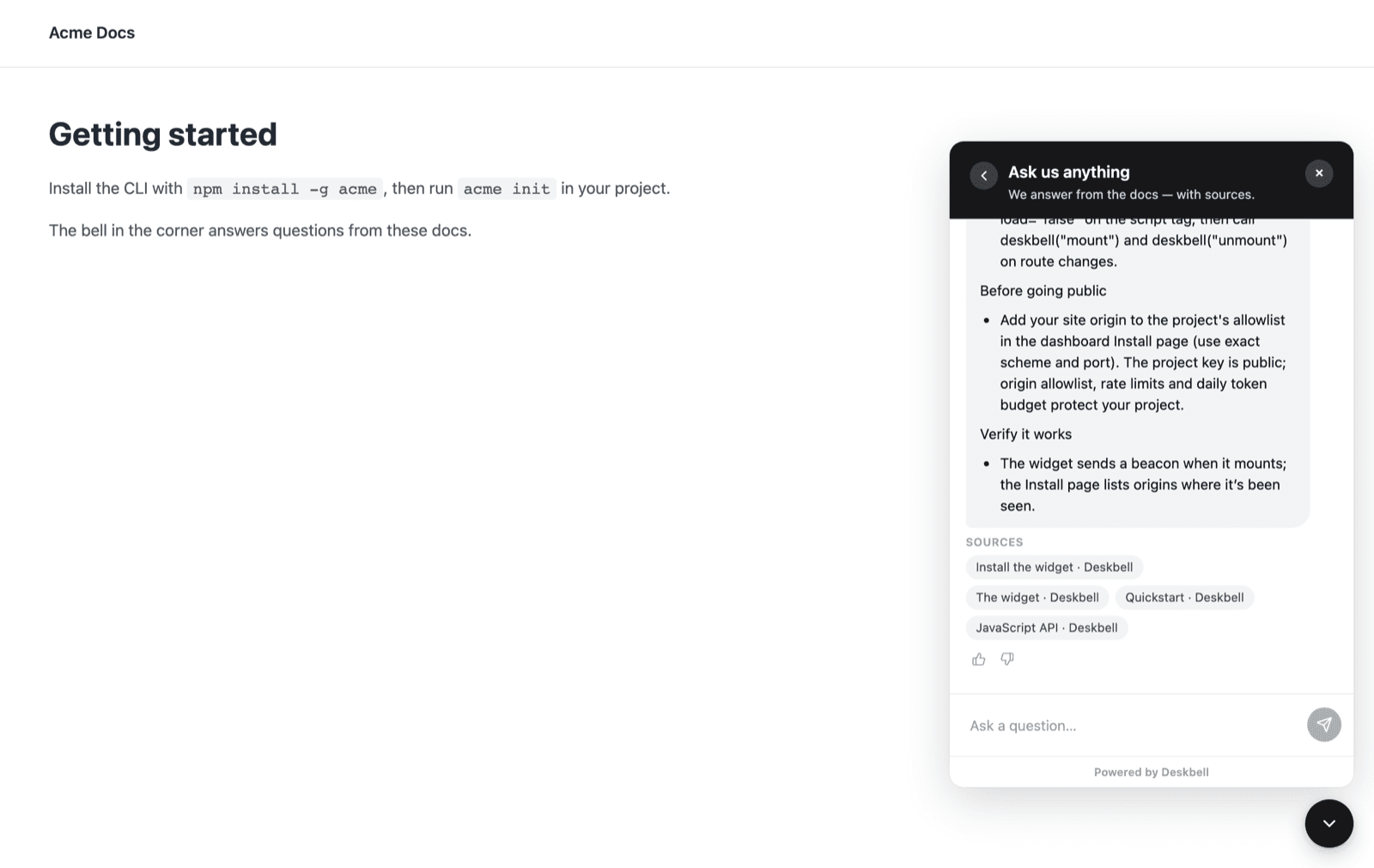
async lets the page render without waiting for the script. Every widget
option works as a data- attribute on the same tag:
data-accent="#7c3aed", data-launcher="sparkle", data-position="bottom-left".
Options lists them all.
Static site generators
Any generator that lets you edit the HTML template takes the same tag in the
same place. Put it in the layout or base template so it lands on every page,
not in a single page's content. A generator that renders Markdown only, with
no template access, usually has a "custom scripts" or "head/body includes"
setting that takes a script URL; give it deskbell.js and add the project key
as a data attribute if the setting allows attributes, or fall back to the
element form:
<script async src="https://your-deskbell.example.com/deskbell.js"></script>
<deskbell-widget project-key="pk_live_…" api-url="https://your-deskbell.example.com"></deskbell-widget>
Before it goes public
Add the page's origin (scheme, host and port) to the allowlist on
Settings › Install. A production instance with an empty allowlist refuses
to answer, and a page served from file:// has no origin at all; serve it
over HTTP even locally.
Checking it works
Open the page, then look at Settings › Install: the origin appears in the list of places the widget has been seen within a few seconds of the first load, before you add it to the allowlist. Ask a question your documentation answers and you should get a streamed answer with source pills under it.
Verified with a static page served by a local HTTP server and Chrome.
Install the widget
One script tag mounts the Deskbell widget and works out which server to call from its own URL. Placing the element yourself is the alternative.
Next.js
Load the Deskbell widget once in a Next.js App Router layout with next/script so it stays mounted across client-side navigation, or use the React package.